VN
Video Editor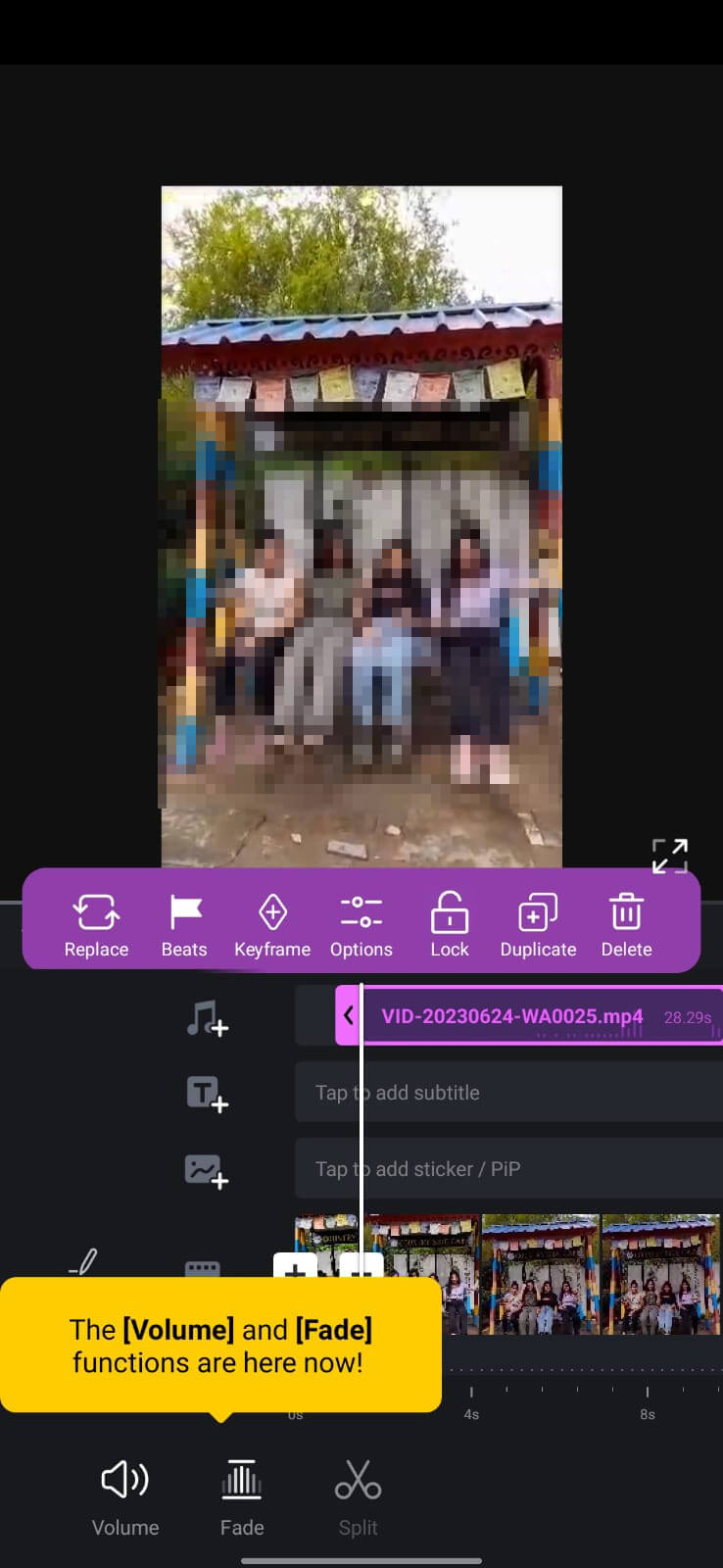
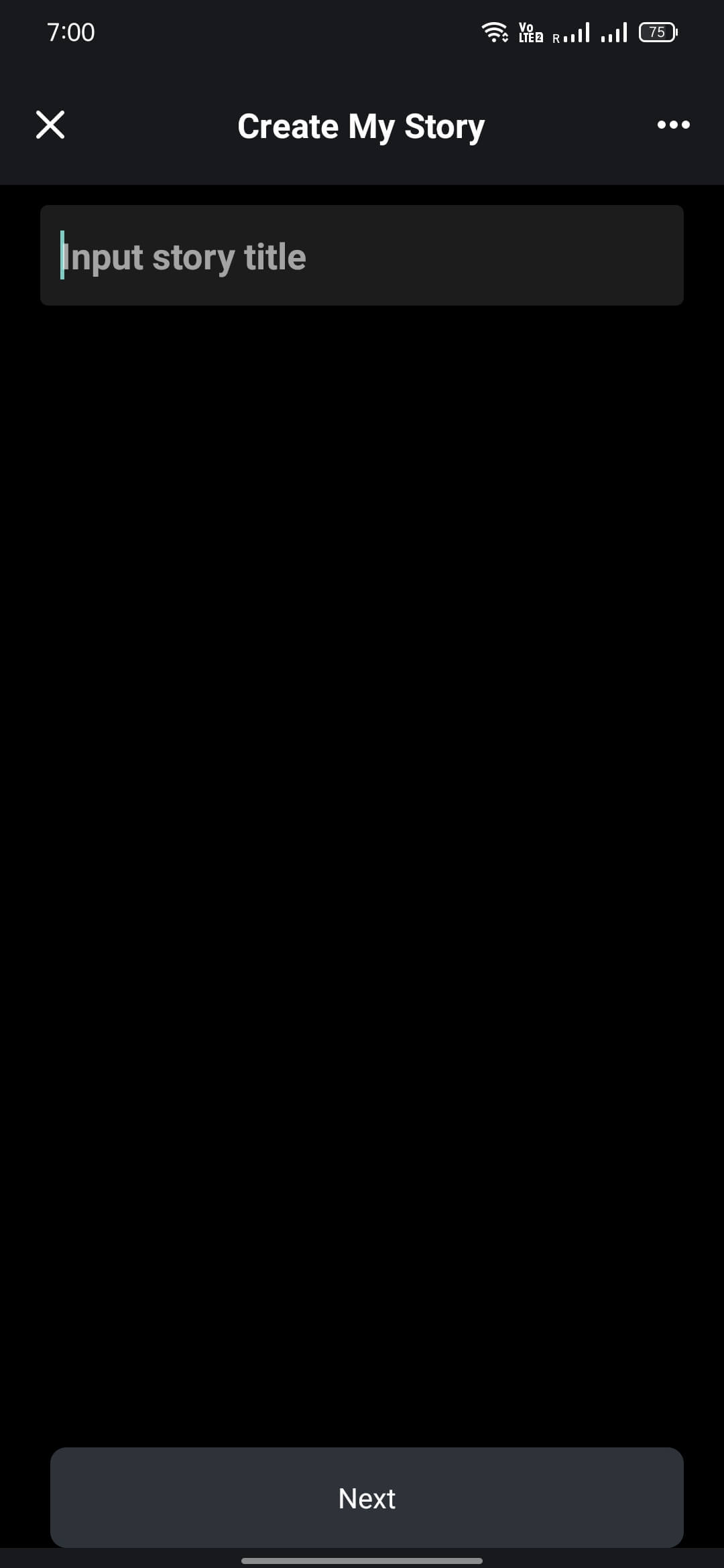
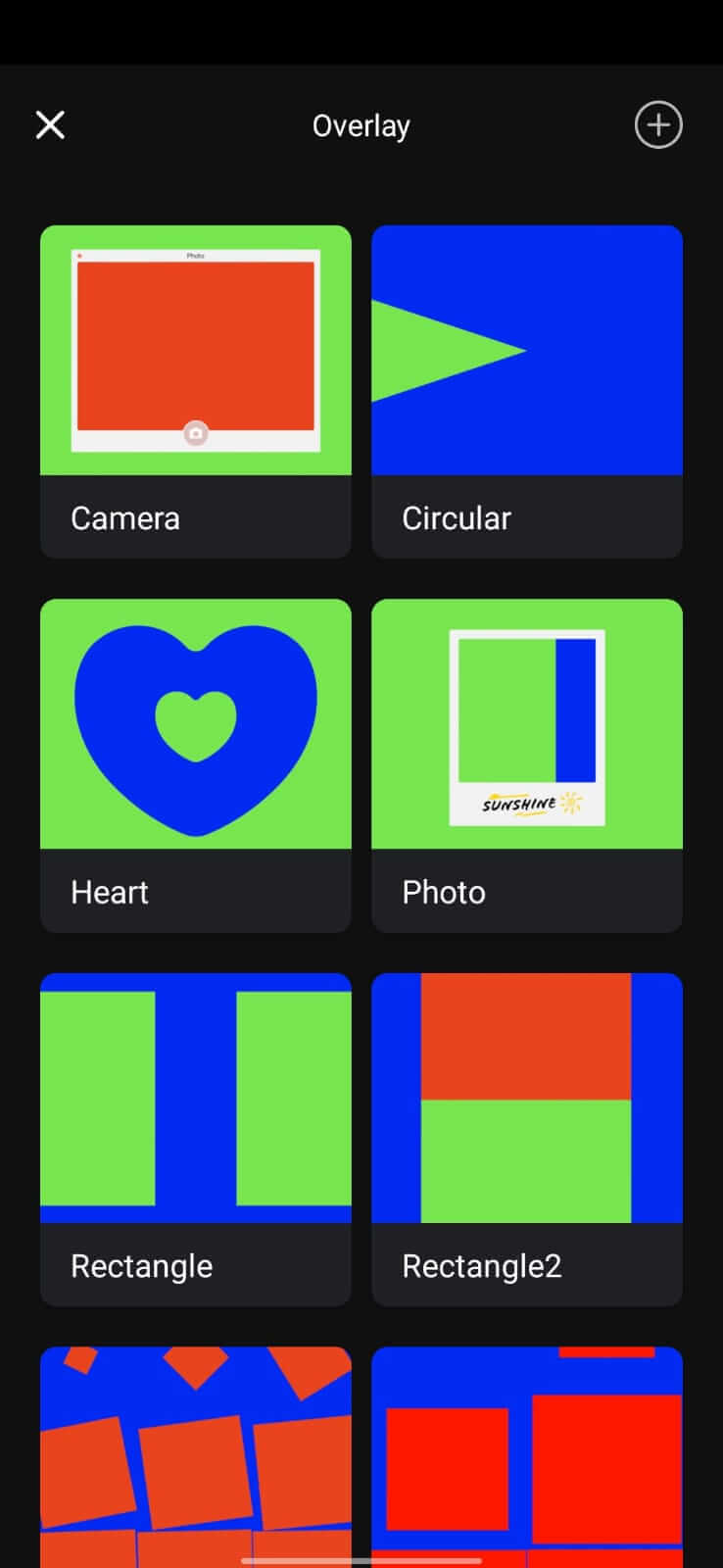
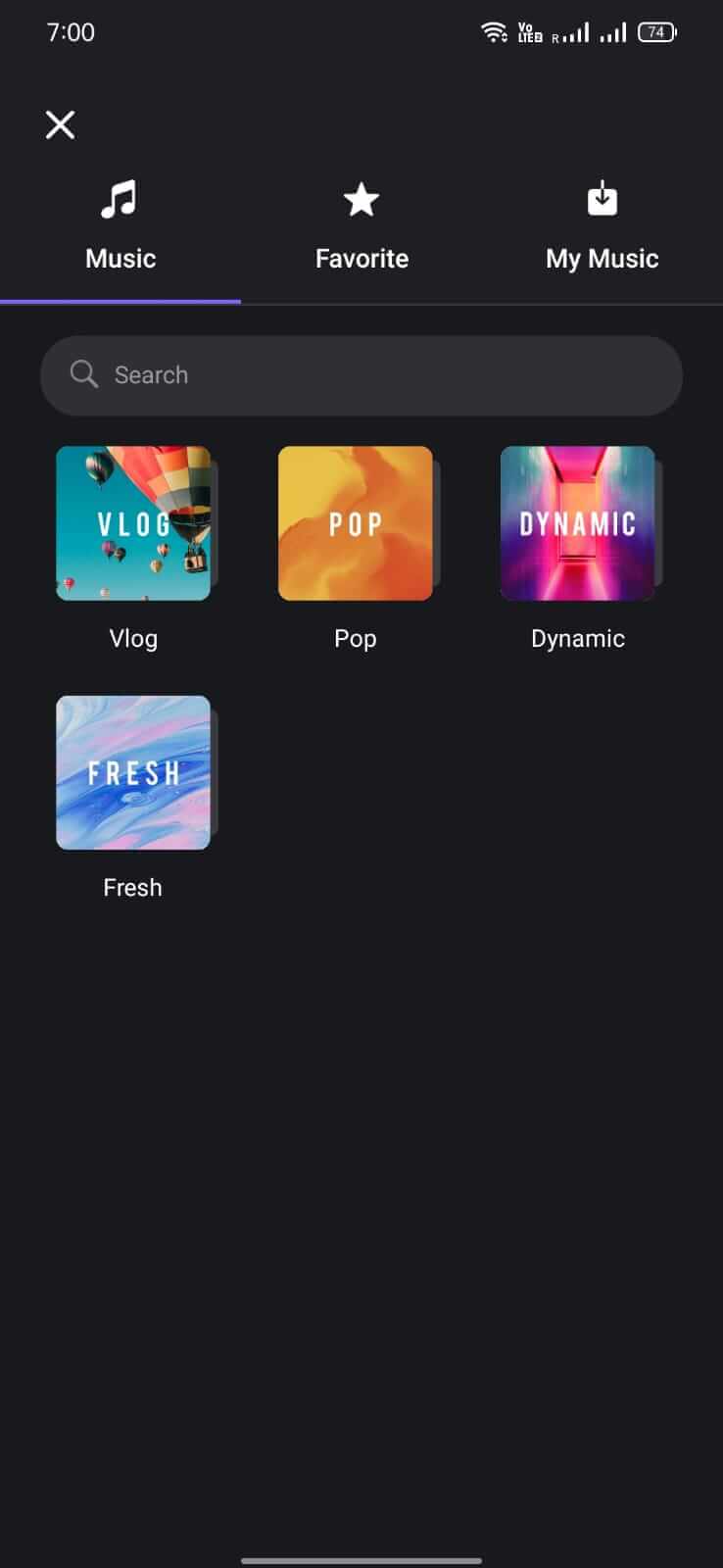
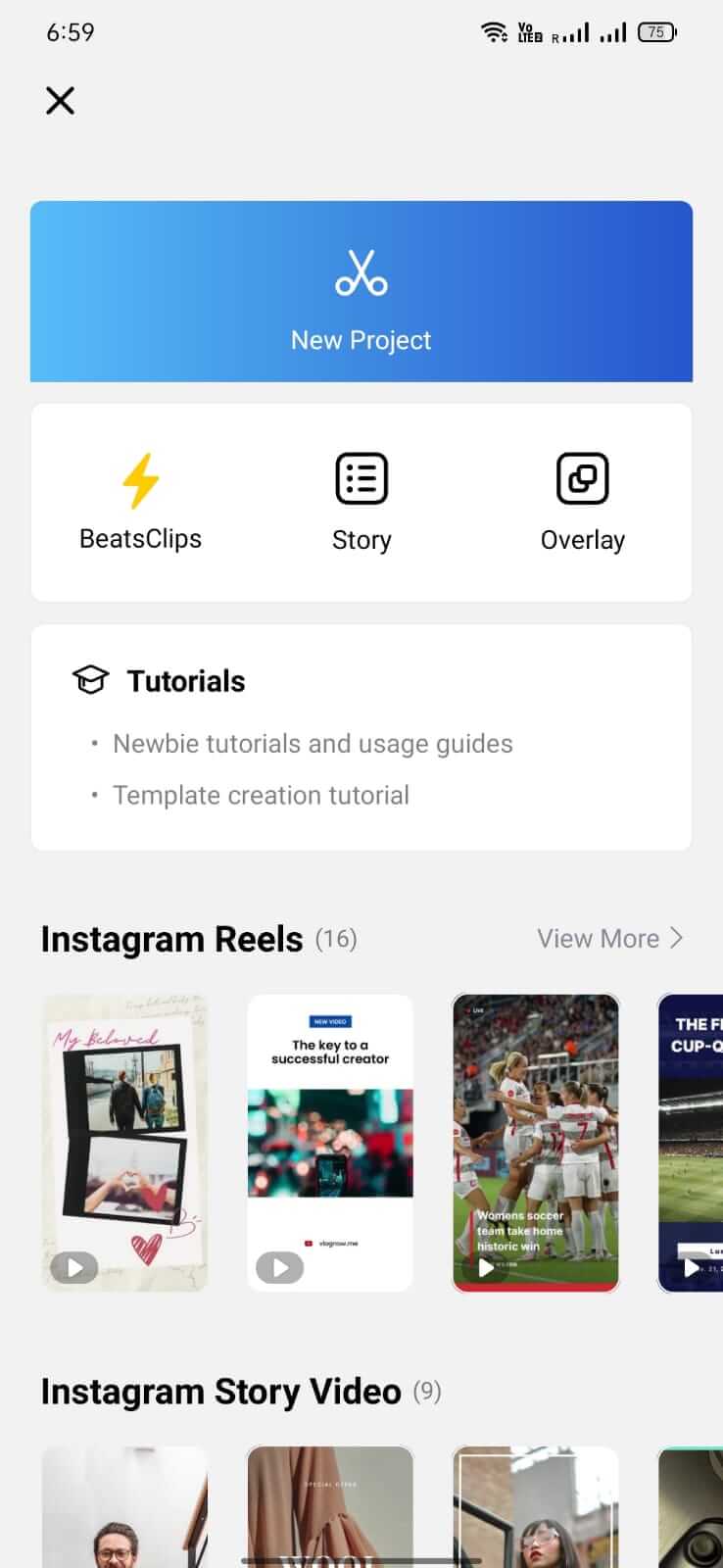

VN is a video editing app for Android that lets you trim, splice, and add effects to your clips without a steep learning curve. It targets creators who want to produce polished videos for social platforms quickly.
This page provides the latest VN version details, a step‑by‑step installation guide, compatibility notes, and practical advice on using the app safely.
Quick Information
| App/Game Name | VN |
| Latest Version | 2.23.2 |
| Developer | Not listed |
| Category | Apps / Video Editor |
| App Size | 438.43 MB |
| Package Name | com.frontrow.vlog |
| Last Updated | 26 October 2026 |
What Is VN?
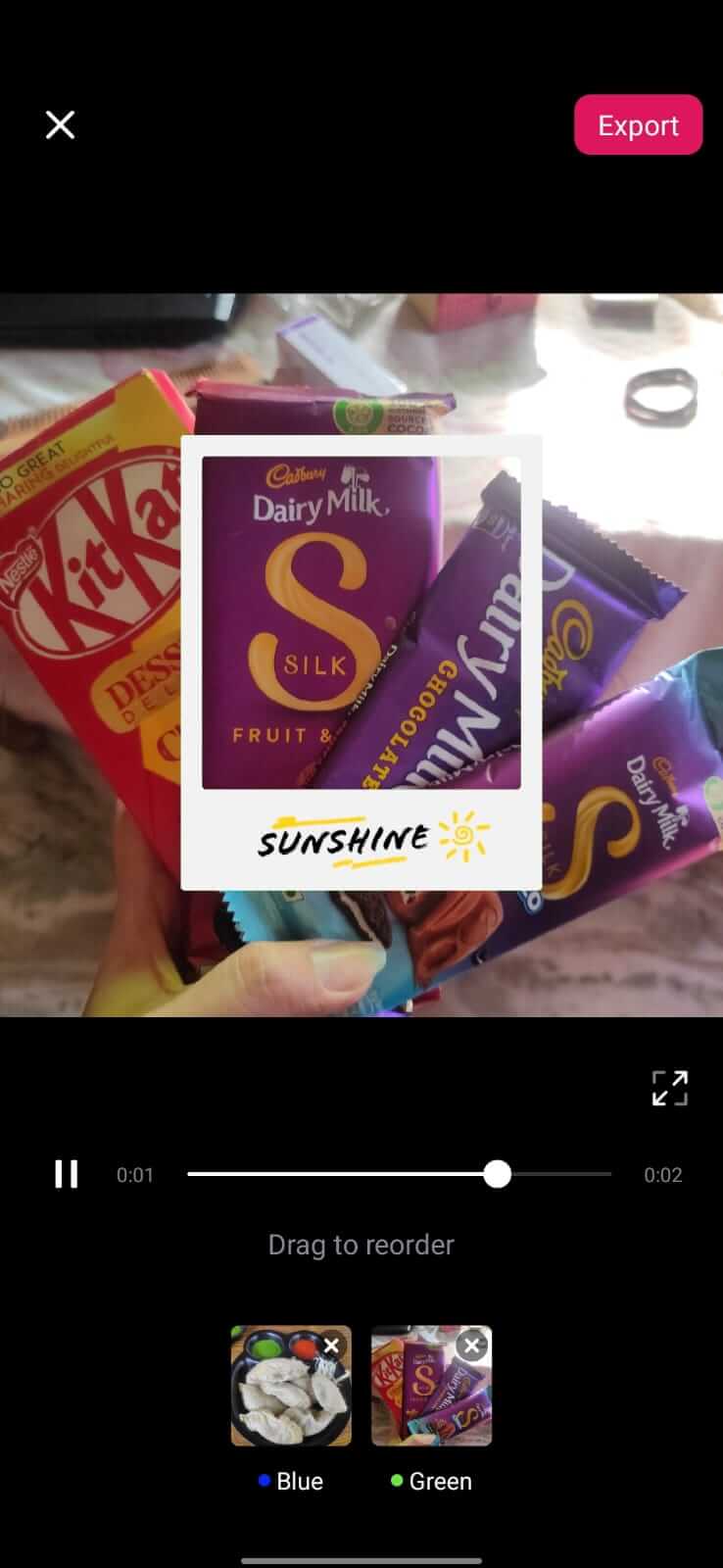
VN (Video Editor) offers a timeline‑based editor with basic transitions, text overlays, filters, and music tracks. The interface is designed for touch interaction, making it easy to drag and drop assets. It supports exporting in common resolutions up to 1080p. The app is free to download, though some premium assets may require in‑app purchases.
Compatibility
Compatibility
| Android Version | ✓ Verified — Android 5.0 and later |
| Architecture (ARM64 / 32-bit) | Not Verified |
| Internet Connection | ✓ Verified — May be required for ads, updates, or login |
| Storage Needed | Not Verified |
| OBB/Data Files | Not Verified |
| Root Required | Not Verified |
How to Install
- Enable installation from unknown sources in your device settings (usually under Security or Privacy).
- Download the VN APK file to your device.
- Open the downloaded file and follow the on‑screen prompts to install.
- Once installed, launch VN and grant any requested permissions (storage, media access).
- Start creating or editing videos.
Troubleshooting
- App not installed: Ensure the APK is complete and not corrupted. Verify that your Android version meets the minimum requirement (usually Android 5.0+).
- Crashes on startup: Clear the app cache via Settings > Apps > VN > Storage > Clear Cache. Reinstall if the issue persists.
- Export failures: Check that you have enough free storage and that the selected export resolution is supported by your device.
- Login or cloud sync problems: Make sure you have a stable internet connection and that any third‑party accounts linked to VN are correctly entered.
Safety & Security
VN is distributed as an APK outside the official Play Store, so verify the source before downloading. Review the permissions the app requests; typical video editors need access to storage and media files. Avoid entering sensitive personal data unless you trust the source, and keep the app updated to benefit from security patches.
How VN Compares
| Feature | VN | InShot | KineMaster | Adobe Premiere Rush |
|---|---|---|---|---|
| Price / Free model | Free with optional in‑app purchases | Free with ads, premium subscription for extra assets | Free with watermark, subscription removes limits | Free starter plan, subscription for full features |
| Platform availability | Android only | Android & iOS | Android & iOS | Android, iOS, desktop |
| Standout feature | Simple timeline with built‑in music library | User‑friendly UI for quick edits | Multi‑layer timeline and precise controls | Integration with Adobe Creative Cloud |
| Best for | Casual creators needing fast edits | Social‑media snippets | More detailed projects with layers | Professionals who use Adobe ecosystem |
Alternatives
If VN doesn’t meet all your needs, consider these well‑known video editors:
- InShot – Offers a very intuitive interface and a large collection of stickers and filters, ideal for quick Instagram or TikTok videos.
- KineMaster – Provides multi‑track editing, chroma key, and fine‑grained control, suitable for more complex projects.
- Adobe Premiere Rush – Syncs projects across devices and integrates with Adobe Creative Cloud, great for users already in the Adobe ecosystem.
Final Verdict
VN is a solid, free video editor for Android users who want a straightforward editing experience without a subscription. It covers essential editing tools, but power users may outgrow its feature set and look toward KineMaster or Adobe Rush. Verify the APK source, grant only necessary permissions, and ensure your device meets the basic Android version before installing.
Frequently Asked Questions
Only install VN from a reputable source, check the permissions it requests, and avoid entering sensitive data if you are unsure of the source.
VN works on Android 5.0 (Lollipop) and newer, though newer versions may provide a smoother experience.
VN supports export up to 1080p; higher resolutions are not currently available.
Yes, VN is free to download and use, with optional in‑app purchases for additional assets.
The error can occur if the APK is incomplete, corrupted, or if your device blocks installations from unknown sources; enable the setting and try reinstalling.
Yes, installing the new APK will replace the older version while keeping your saved projects, but back up important files just in case.
No, VN works offline for editing; an internet connection is only required for downloading assets or exporting to cloud services.
The free version may display occasional ads, which can be removed through optional purchases.